Adding an L2 Network
Adding an L2 network allows you to create a network layer that enables connectivity within the same broadcast domain. It is useful for setting up isolated or internal networks, supporting seamless communication between resources within a defined environment.
To add an L2 network, follow these steps:
-
Navigate to Networking > L2 Networks. The following screen appears:
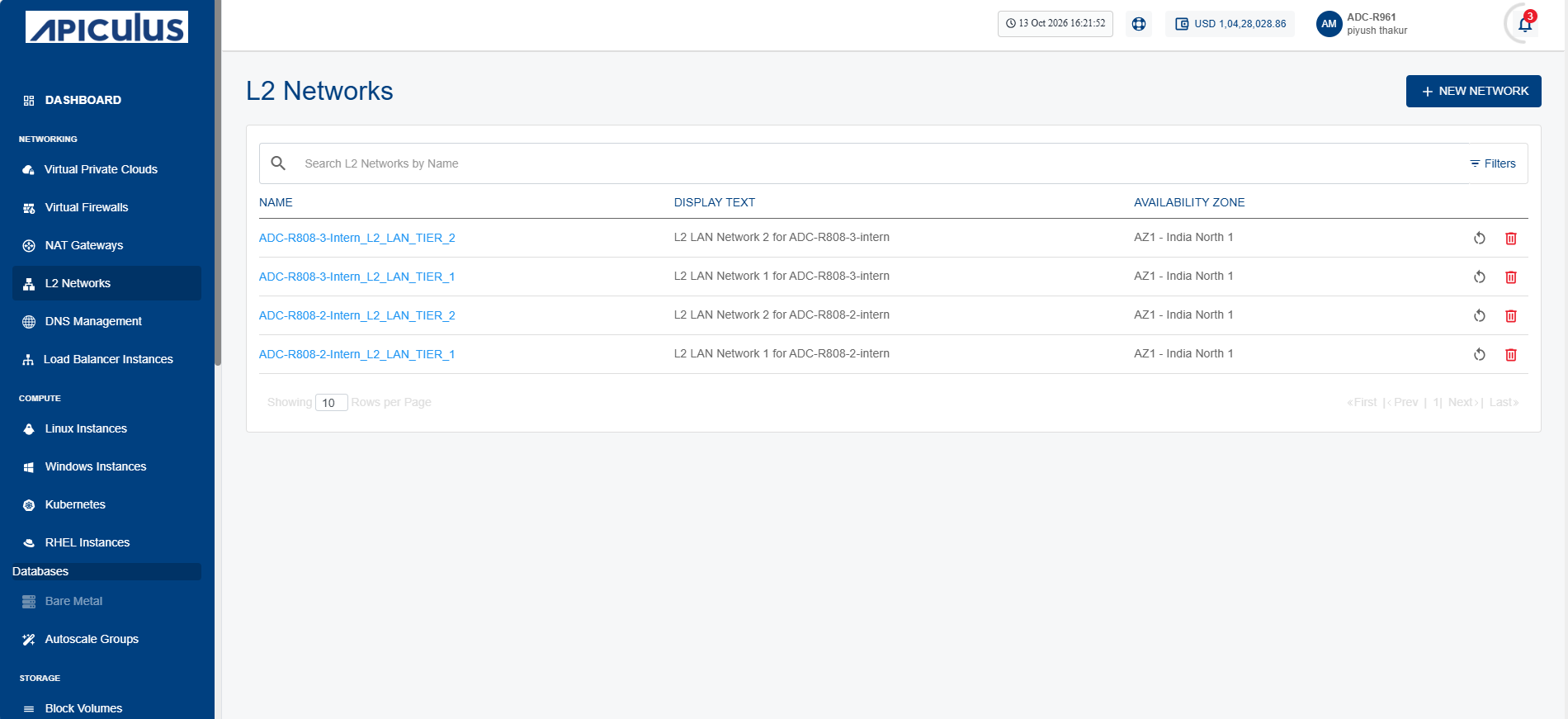
-
Click the New Network button. The following screen appears where you provide the required details:
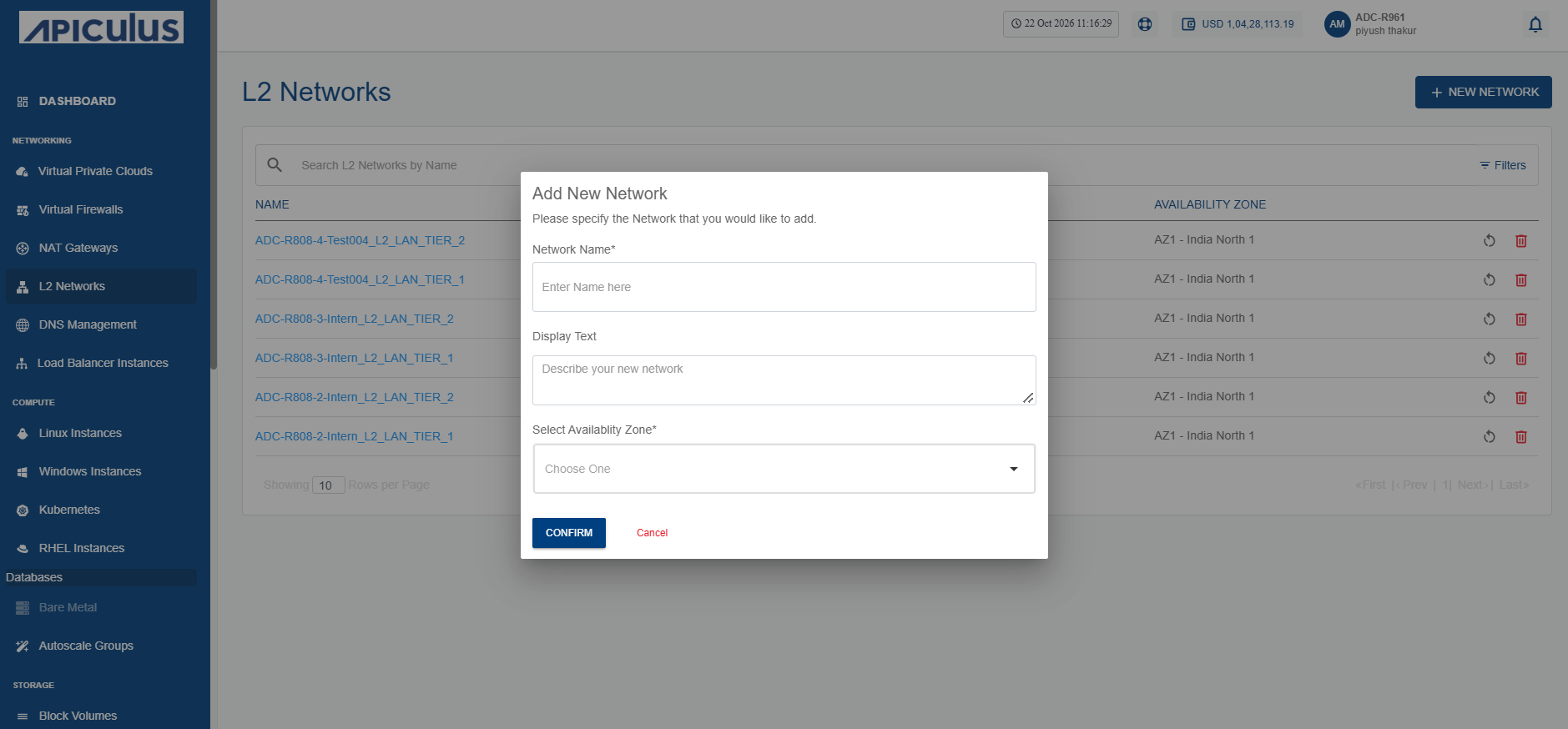
-
Click the Confirm button.