Viewing NAT Gateway Instances
A NAT Gateway enables private instances in a virtual network to access the internet without assigning them public IP addresses. Viewing a NAT Gateway instance helps you verify its configuration and status, ensuring secure and reliable outbound internet connectivity.
To view all the instances associated with NAT Gateway, follow these steps:
- Navigate to Networking > NAT Gateways. The following screen appears:
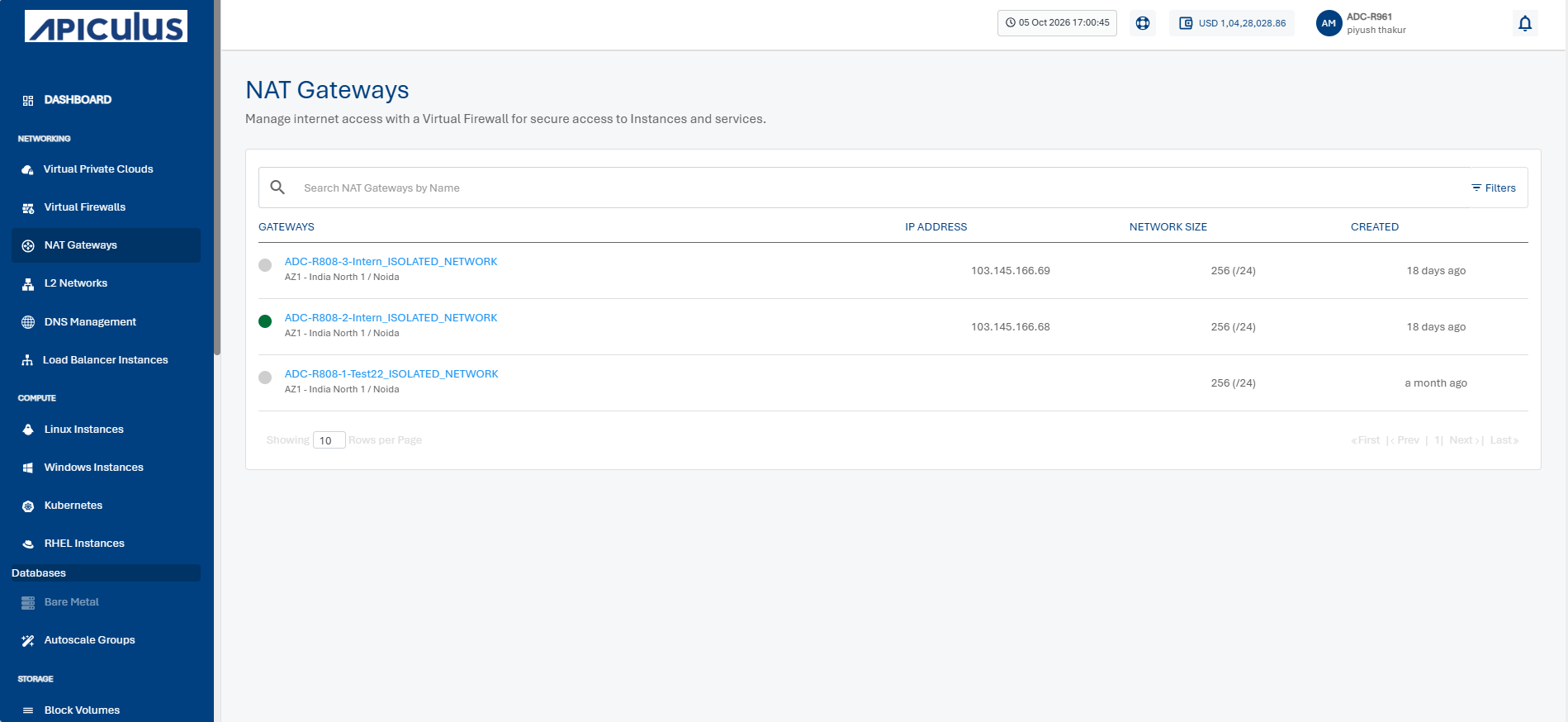
- Click a NAT Gateway name from the list.
- Click Instances. The following screen appears: